
Friends! The screen turning green may be caused by various reasons. Here are some possible reasons and corresponding solutions:
1、 System or software issues
System update incompatibility: After the system update, there may be incompatibility or bugs that cause abnormal screen display. At this point, you can try restarting the phone or restoring it to factory settings to see if the problem can be resolved. If the problem persists, you can try uninstalling the recently installed application or rolling back the system to a previous version.
Third party application conflict: Newly installed software may conflict with the system or other applications, causing a green screen phenomenon. Suggest checking and updating all installed applications to ensure they are the latest versions and compatible with the current system.
2、 Hardware malfunction
Loose or damaged screen cables: Loose or damaged screen cables are one of the common causes of green screens. If there is no physical damage to the phone, but the green screen phenomenon persists, it is likely that there is a malfunction in the screen cable or display component. In this case, it is recommended to send the phone to a professional repair shop for inspection and maintenance.
Screen material and process issues: For example, OLED screens often encounter problems when displaying low brightness gray screens due to manufacturing limitations. So, try to choose manufacturers of LCD screens.
Motherboard malfunction: If none of the above methods can solve the problem, it may be a problem with the display chip or wiring on the motherboard. In this case, professional maintenance services are also required to detect and repair.
3、 Usage habits and environmental factors
Long term use of mobile phones: Long term use of mobile phones may cause damage to the screen and battery, leading to green screen phenomenon. Suggest arranging usage time reasonably to avoid overuse.
Non original charger: Using a non original charger may cause damage to the phone battery and screen. It is recommended to use an original charger or a certified charger for charging.
4、 Preventive measures
Regularly update the system: Ensure that the mobile system is always in optimal condition and promptly fix known bugs.
Do not install applications from unknown sources at will: to avoid posing security risks to your phone.
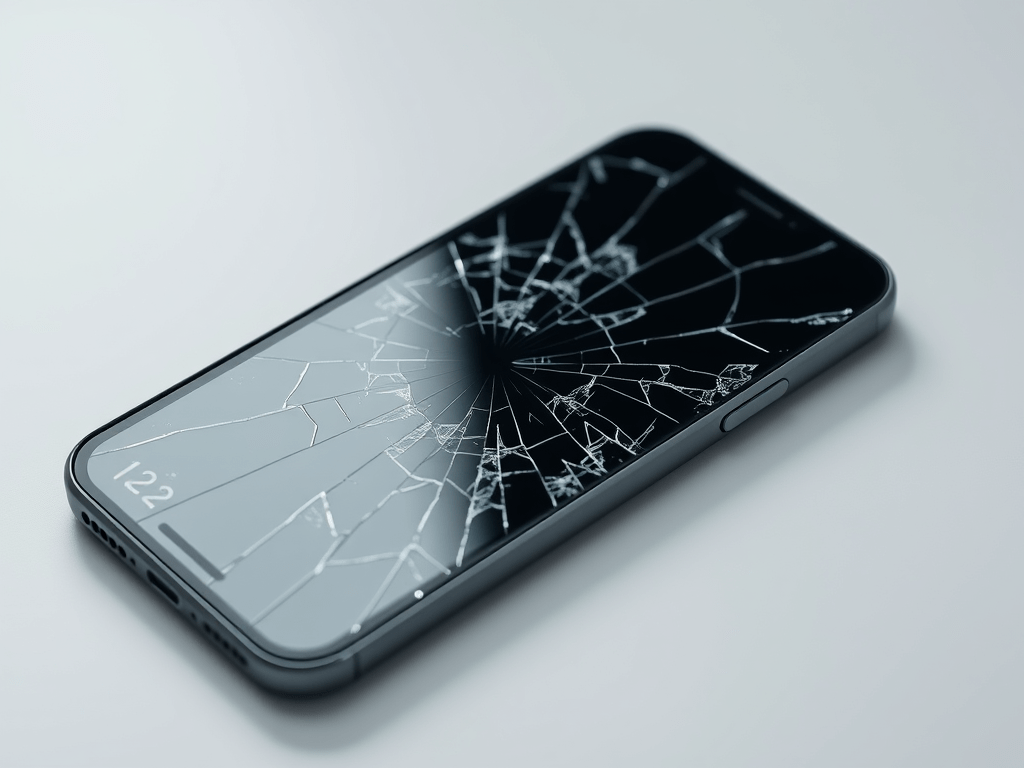
Pay attention to protecting your phone: avoid severe impact or compression on your phone to prevent damage to the screen.
In short, the above professional problems require professional institutions to solve them, and we should not pay attention to JOYKINGLCDS
 JoyKingdisplays.com
Leave a comment