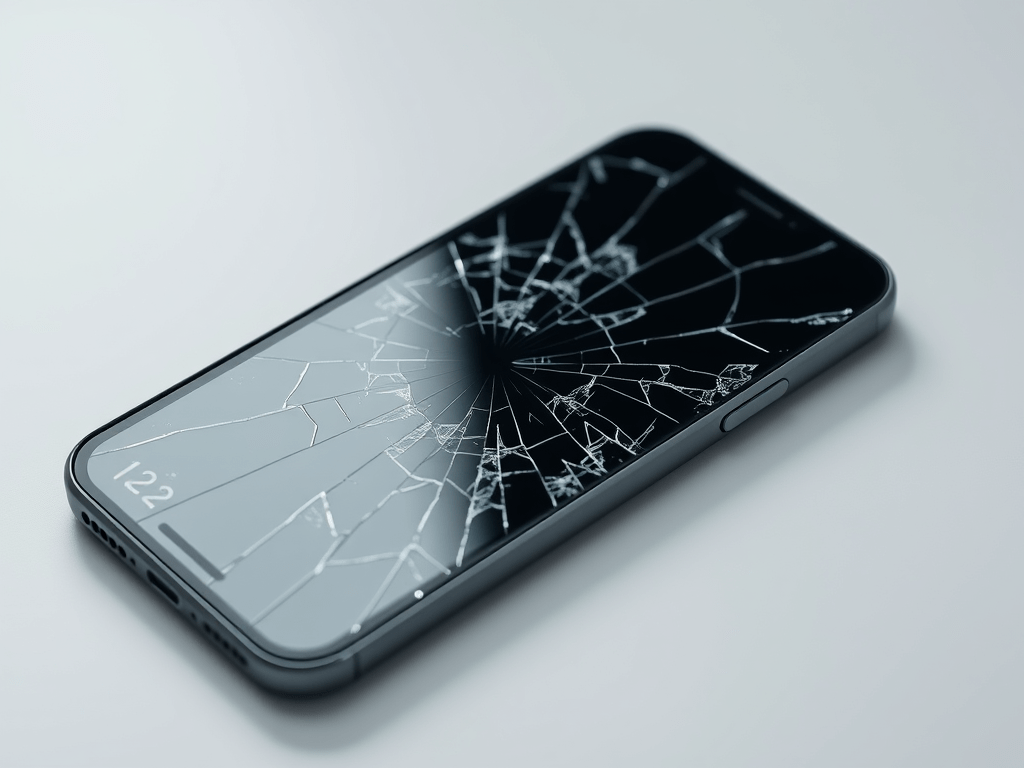
Phone Screen Broken? Don’t Panic! Here’s How to Recover Your Data

Picture this: you’re rushing to catch a flight, your phone slips from your hand, and crack—the screen shatters into a spiderweb of glass. Your heart drops, not just because of the broken display, but because all your precious photos, important work files, and irreplaceable contacts are now trapped inside. Before you start mourning your lost data, take a deep breath! There are several tried-and-true methods to export data even with a damaged phone screen, and we’ve got you covered.
1. Use a USB Cable and Your Computer
If your phone still powers on despite the broken screen, this is one of the simplest solutions. Connect your phone to your computer using a USB cable. For Android users, if your device is set to “File Transfer” mode by default, you can access the internal storage just like you would a flash drive. Navigate through the folders, copy the files you need, and paste them onto your computer.
iPhone users, on the other hand, can use iTunes or Finder (on macOS Catalina and later). Open the app, and once your device is recognized, you can back up your data. After the backup is complete, you can restore the data to a new device or access specific files from the backup using third-party tools.
2. Screen Mirroring to Another Device
If you can’t physically interact with your phone’s screen but it’s still functional, screen mirroring is a game-changer. For Android devices, you can use Google Cast (if your phone supports it) to mirror the screen to a Chromecast device connected to your TV. Once mirrored, you can use a wireless mouse connected to your phone (via Bluetooth or USB OTG) to navigate and transfer data.
iPhones can utilize AirPlay to mirror the screen to an Apple TV. Similar to Android, you can pair a Bluetooth mouse with your iPhone and start accessing and exporting your data.
3. Try Third-Party Data Recovery Software
When the above methods don’t work, powerful third-party data recovery software steps in. Tools like Dr.Fone (for both Android and iPhone) and DiskDigger (Android) can scan your device and retrieve data even with a non-responsive screen. These programs often have user-friendly interfaces that guide you through the recovery process. Just download the software on your computer, connect your phone, and follow the instructions to export your valuable data.
4. Seek Professional Help
If all else fails, don’t hesitate to take your phone to a professional data recovery service. Companies like DriveSavers and Secure Data Recovery specialize in retrieving data from severely damaged devices. While this option might be more expensive, it’s worth it when dealing with critical business files or irreplaceable personal memories.
The next time you’re faced with a broken phone screen, remember these methods. Data loss doesn’t have to be the end of the story. With the right approach, you can quickly get back on track and focus on fixing that pesky screen. And if you ever need more tech tips or have questions, stay tuned—we’re here to help you navigate the digital world, one challenge at a time!
Product as a Service
JOYKINGLCDS




Monday to Saturday, 9:30am to 6:00pm
Bank of America Center Building,Linwan,Canton
Whatsapp:+852 5429 7964
China TEL: (020)81845868
 JoyKingdisplays.com
Leave a comment